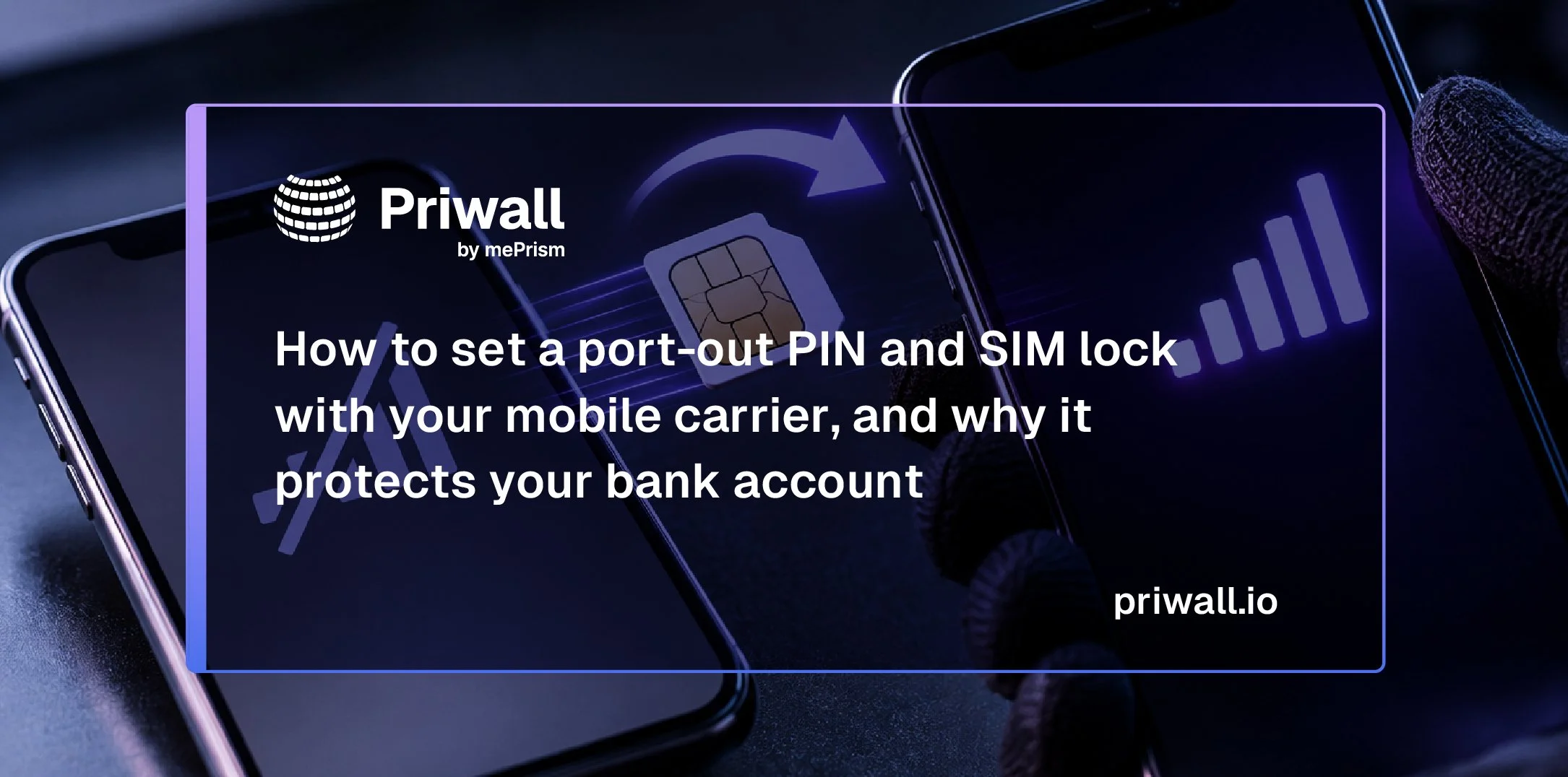
How to set a port-out PIN and SIM lock with your mobile carrier, and why it protects your bank account
By Tom Daly, Founder and CEO, Priwall by mePrism · October 2026
TL;DR
-
A SIM swap redirects your security codes. A SIM swap or port-out moves your phone number to a device the attacker controls. Text-message security codes sent by your bank or email provider then go to them.
-
You need two separate locks. A port-out lock prevents transfers to another carrier, while a SIM protection lock blocks SIM or eSIM changes within your existing carrier. Use both, along with a strong account PIN.
-
Major carriers offer free protection. Verizon, T-Mobile and AT&T offer these safeguards at no additional cost. Check that both protections are enabled for every line on your account.
-
Personal data helps attackers impersonate you. Names, addresses, birth dates, phone numbers and family details available on people-search sites can help attackers prepare a SIM-swap attempt.
Your phone number has quietly become the master key to your financial life. Banks text it a code when you reset a password. Email providers use it to recover a locked account. Your company's single sign-on may fall back to it when an employee loses a device. Anyone who controls the number can usually reset everything else.
A SIM swap is how criminals take that control. The FBI's Internet Crime Complaint Center defines it as "the use of unsophisticated social engineering techniques against mobile service providers to transfer a victim's phone service to a mobile device in the criminal's possession" (FBI IC3 2025 Internet Crime Report). Note the word "unsophisticated." The attacker doesn't have to break into your phone. They only have to convince a carrier employee, a retail store or an online account flow that they are you.
There is one setting that closes most of this door, and most people have never touched it.
What the numbers say, and what they don't
In 2025, the IC3 recorded 971 SIM-swap complaints and $17,366,758 in reported losses. That works out to roughly $17,900 per complaint. SIM swap accounted for 10% of the cyber-threat complaints the Bureau tracked, behind data breaches and ransomware (FBI IC3 2025 Internet Crime Report). Reported losses have fallen from $48.8 million in 2023 and $26.0 million in 2024 (FBI IC3). Carrier defaults have tightened over that period, and that likely explains part of the decline. These counts include only people who filed a complaint, so they understate the real total.
SIM swapping is not the largest source of bank fraud by volume. In the same report, the FBI counted about 4,700 account-takeover complaints and $359.7 million in losses from criminals impersonating bank support staff (FBI IC3). Phone-number takeover still deserves its own attention because it defeats the protection most people rely on. If your bank sends its security codes by text, a SIM swap moves those codes to the attacker. The swap is often step one of a larger account takeover.
The same technique appears in enterprise breaches. In a joint advisory, CISA and the FBI wrote that Scattered Spider operators "convinced cellular carriers to transfer control of a targeted user's phone number to a SIM card in their possession, gaining control over the phone and access to MFA prompts" (CISA advisory AA23-320A). A swapped executive's phone number gives the attacker a way into that executive's personal bank account and into their company's systems.
Port-out vs. SIM swap: two attacks, two locks
The common advice is "set a port-out PIN." That advice is right, but it covers only half the problem.
Port-out fraud. The attacker opens an account with a different carrier and asks for your number to be transferred in. A port lock blocks this. Verizon calls its lock Number Lock, T-Mobile calls it Port Out Protection, and AT&T builds it into Wireless Account Lock.
SIM swap. The attacker stays with your current carrier and convinces it to move your number to a new SIM card or eSIM. A port lock does not stop this. Verizon's own FAQ notes that Number Lock "doesn't help prevent SIM card changes or equipment changes to your device" (Verizon). This attack needs a SIM lock.
At the major carriers, the "port-out PIN" itself is now a temporary Number Transfer PIN that you generate only when you actually switch carriers. A Verizon Number Transfer PIN is valid for seven days (Verizon). An AT&T PIN expires after four days, or 14 days for business accounts (AT&T). The goal is to make sure nobody else can generate that PIN, or use it while your locks are on.
A properly protected line has three layers:
A strong account PIN or passcode. Carrier staff ask for it on the phone and in stores.
A port lock. This blocks transfers to another carrier.
A SIM lock. This blocks SIM and eSIM changes within your carrier.
How to lock your number at the three major carriers
The menu paths below come from each carrier's support pages as of October 2026. Apps change often, so if a label has moved, search your carrier's app for "SIM protection" or "number lock."
Verizon
Verizon has two separate toggles, and you should turn on both (Verizon).
Open the My Verizon app and tap the Me tab.
Tap Edit profile and settings, then scroll to the Security section.
Tap Number Lock and turn it on for each line. This blocks transfers to other carriers. A locked number can't generate a Number Transfer PIN at all.
Tap SIM Protection and turn it on for each line. This blocks any transaction that needs a new SIM, including SIM swaps, upgrades and bring-your-own-device activations.
In the same security settings, set an account PIN that is not your birthday, address or the last four digits of your phone number.
On the website, sign in to My Verizon as the Account Owner or a Manager and go to Security settings (Verizon). You can also turn on Number Lock by dialing *611 (Verizon). When you turn SIM Protection off to upgrade a phone, SIM changes stay blocked for 15 minutes. That delay is deliberate.
T-Mobile
T-Mobile also has two separate features. You add Port Out Protection to each line individually (T-Mobile).
Port Out Protection (blocks transfers to another carrier):
In the T-Life app, open the Manage tab and select See Plans.
Select Manage add-ons, then choose the line.
Check Port Out Protection, select Continue, and then select Agree & Submit.
Repeat for every line on the account.
SIM Protection (blocks SIM and eSIM changes):
In T-Life, open the Manage tab and tap the gear icon.
Select Security, then SIM Protection.
Turn it on for the whole account or for individual lines, then save (T-Mobile).
Account PIN/Passcode: Set it in T-Life under Security, then T-Mobile ID, then Account PIN/Passcode. T-Mobile requires 6 to 15 digits that are not in sequential order. To change it, you must use your own phone on the T-Mobile network with Wi-Fi turned off (T-Mobile).
On postpaid accounts, an Authorized User can turn on either feature, but only the Primary Account Holder can turn them off. That is the safeguard you want.
AT&T
AT&T combines both protections into one switch called Wireless Account Lock. AT&T says the lock blocks wireless number transfers and SIM swaps, along with billing changes and device purchases (AT&T).
Open the AT&T app on a device that is active on your wireless account.
Tap the person icon.
Scroll to Wireless account lock and swipe to lock (AT&T).
Then set a strong account passcode, which staff ask for when you call or visit a store. In the app, go to the Account icon, then Settings, then Manage or remove account, then Settings, then Passcode (AT&T). AT&T's account protection guidance points customers to the same passcode controls (AT&T). AT&T says it will never call or text to ask you to turn off Wireless Account Lock (AT&T).
Other carriers and prepaid brands
Smaller carriers and prepaid brands that run on the big networks use their own names for these features, so look for "port protection," "number lock," "port freeze" or "SIM lock." If you can't find a setting, call the carrier and ask for both a port-out block and a SIM-change block on your line. In November 2023, the FCC adopted rules requiring wireless providers to offer customers a free option to lock their accounts against SIM changes and number ports, and to notify customers when either is requested (FCC Report and Order FCC 23-95). The compliance date depended on a federal paperwork review, so carriers have implemented the rules unevenly (FCC). Don't assume your carrier turned anything on for you.
The PIN is only as strong as the secrets behind it
A carrier lock works only when the person asking to remove it can't pass as you. That is where most defenses fail.
To call a carrier as you, an attacker typically needs your name, phone number, home address, date of birth and sometimes the names of relatives or past addresses. CISA's updated Scattered Spider advisory says the group's social engineering is "enriched by access to personal information derived from social media, open-source information, commercial intelligence tools, and database leaks" (CISA advisory AA23-320A). For most Americans, that list is exactly what a people-search profile shows for a few dollars.
Choose a carrier PIN that has nothing to do with your public record. Avoid your birth year, your house number, your ZIP code, an anniversary or a child's birthday. Each of those can be looked up. Store the PIN in a password manager rather than your memory, and never read it to someone who called you. Carriers don't call customers to ask for it.
We made the same point after the FBI personnel-data breach. A stolen record becomes far more dangerous once an attacker can refresh it with current phone numbers and addresses from commercial people-search sites. Our analysis of how broker data feeds the ransomware kill chain traces that same pattern across documented cases.
Four more steps to take the same day
Move your bank and email accounts off text-message codes where you can. NIST classifies codes sent by text message or voice call as a "restricted" authenticator, partly because of "the demonstrated ability of attackers to obtain reassignment of telephone numbers used for authentication to new devices they control" (NIST). CISA recommends FIDO/WebAuthn or PKI-based multifactor authentication because those methods are "not susceptible to push bombing or SIM swap attacks" (CISA). Use passkeys, security keys or an authenticator app wherever your bank offers them. Then remove your phone number as a recovery option if the account lets you.
Protect your email first. Your email inbox is where password resets for everything else arrive. Lock it down before your other accounts.
Know what a SIM swap looks like. If your phone suddenly shows "No Service" or "SOS only" in an area where it normally works, call your carrier from another phone right away. You may also get an unexpected text saying a SIM change or transfer was requested. Fast action matters, because the attacker is usually resetting accounts within minutes.
Freeze your credit at Equifax, Experian and TransUnion. A freeze doesn't stop a SIM swap, but it limits what an attacker can open in your name afterward. Our driver's-license dump guide walks through the freeze steps.
For security teams: put the carrier lock in your executive playbook
Most corporate security programs harden the corporate device and stop there. The personal mobile account of a CFO, a help-desk lead or an IT administrator sits outside that perimeter. It is often the phone number tied to their corporate MFA and their personal bank account at the same time.
Three low-cost controls are worth adding:
Make carrier port and SIM locks part of onboarding for executives and privileged roles, with a simple checklist for each major carrier.
Retire SMS as an MFA method and as an account-recovery path for privileged users, in line with the CISA and NIST guidance cited above.
Reduce the publicly available personal data that attackers use to impersonate those people to carriers and help desks.
The third control is where Priwall by mePrism comes in. We remove enterprise employees' and executives' personal information from U.S. data brokers and people-search sites, file requests as an authorized agent, rescan and resubmit when profiles reappear, and give security teams proof of removal they can report on. A carrier lock makes your number harder to steal. Removing broker profiles makes it harder for an attacker to convince anyone they're you.
To see how Priwall fits into your executive-protection or identity-security program, talk to our team.
Frequently asked questions
What did Bruce Schneier tell Congress about data brokers?
In written testimony to the House Energy and Commerce Subcommittee on Digital Commerce and Consumer Protection on November 1, 2017, Bruce Schneier said that requiring data brokers to limit collection, secure stored data, and "delete data about consumers when it is no longer needed is a matter of national security." Describing the data stolen from Equifax, which he called a data broker, he also testified that it "is exactly the sort of information criminals can use to impersonate victims."
Why is data broker exposure a cybersecurity risk for businesses?
Data brokers sell employees' home addresses, phone numbers, family members, and other personal details. Attackers use that information to impersonate executives, target help desks, and make phishing and wire-fraud attempts more convincing. Removing employee records from brokers takes that research away from attackers.
Does California's DROP platform solve the problem for employers?
DROP lets California residents send one deletion request to registered data brokers, and brokers began processing requests on August 1, 2026. It applies to California residents, relies on each person enrolling individually, and doesn't give employers visibility into which employees are exposed or whether removals hold.
How does Priwall remove employee data from data brokers?
Priwall by mePrism finds employee and executive records across hundreds of U.S. data broker and people-search sites and files removals, including as an authorized agent where permitted. It rescans and resubmits when records reappear and gives security teams proof of removal. A Sensiba AT-C 215 agreed-upon procedures report found removal rates greater than 92% at 30 days and greater than 99% at 90 days for a representative sample of Priwall enterprise customers.
Ready to try Priwall by mePrism?
If you're a company protecting at-risk employees, or an individual concerned about your digital footprint, start your privacy removal today at mePrism.com
Because your data shouldn’t be a roadmap for violence.
Tom Daly is the founder and CEO of Priwall by mePrism, the enterprise open-source data-removal platform used by security, executive-protection and digital-risk teams to shrink broker exposure across U.S. data brokers and people-search sites.